


If you’re working on DORA in a fintech, your browser history probably looks exactly as I described in the DORA Library post: a crime scene of EUR-Lex tabs, PDFs, and “wait, which RTS is the one for incident reporting?” moments.
That library did well because it solved a very specific pain:
DORA isn’t one PDF. It’s a system of documents.
Teams lose hours cross-checking Level 1 vs Level 2 (RTS/ITS) vs Level 3 guidance.
People needed a single, structured reference point and a “bookmark + share” workflow.
In the comments and DMs on LinkedIn, the next natural step showed up quickly:“Great! Now, how do we turn this into something that helps us work daily, not just read?”
This article is my answer: build a DORA-focused AI assistant in NotebookLM using the exact DORA Library sources so that you can query the framework like a living knowledge base.
No selling. No “magic compliance.” Just a practical workflow that many teams are already using in other domains, but not everyone is applying it to DORA yet.
Who this is for
CISOs / CTOs in fintechs who need fast, defensible answers grounded in the actual text
GRC / compliance leads mapping requirements → controls → evidence
Risk / audit teams doing reviews and gap analysis under time pressure
What you’ll build in 20–30 minutes
A “DORA Notebook” that:
uses your selected DORA sources as grounding
answers questions based on the sources you uploaded
generates usable outputs (briefings, mind maps, audio/video overviews, reports, infographics, slide decks, etc.) to support implementation and internal alignment
NotebookLM is explicitly designed to work from your sources; if something isn’t in the sources, you should expect weaker answers, and you should adjust your question or sources.
NotebookLM: what it is (and why it fits DORA work)
Think of NotebookLM as a research and synthesis layer that sits on top of a curated document set. For DORA, that means:
fewer “hallucinated” answers (because you push it back to citations and sources)
faster cross-referencing across RTS/ITS/guidelines
repeatable workflows: incident reporting, ICT risk, TPRM registers, oversight prep, TLPT prep
Limits (free plan): why the DORA Library fits
As of today, NotebookLM’s free limits are:
100 notebooks
up to 50 sources per notebook
up to 500,000 words per source (or up to 200MB per uploaded file)
daily limits: 50 chat queries and 3 audio generations
Since the DORA Library is 27 documents, it fits cleanly inside the 50-source limit.
Step-by-step: build your “DORA AI Assistant” in NotebookLM
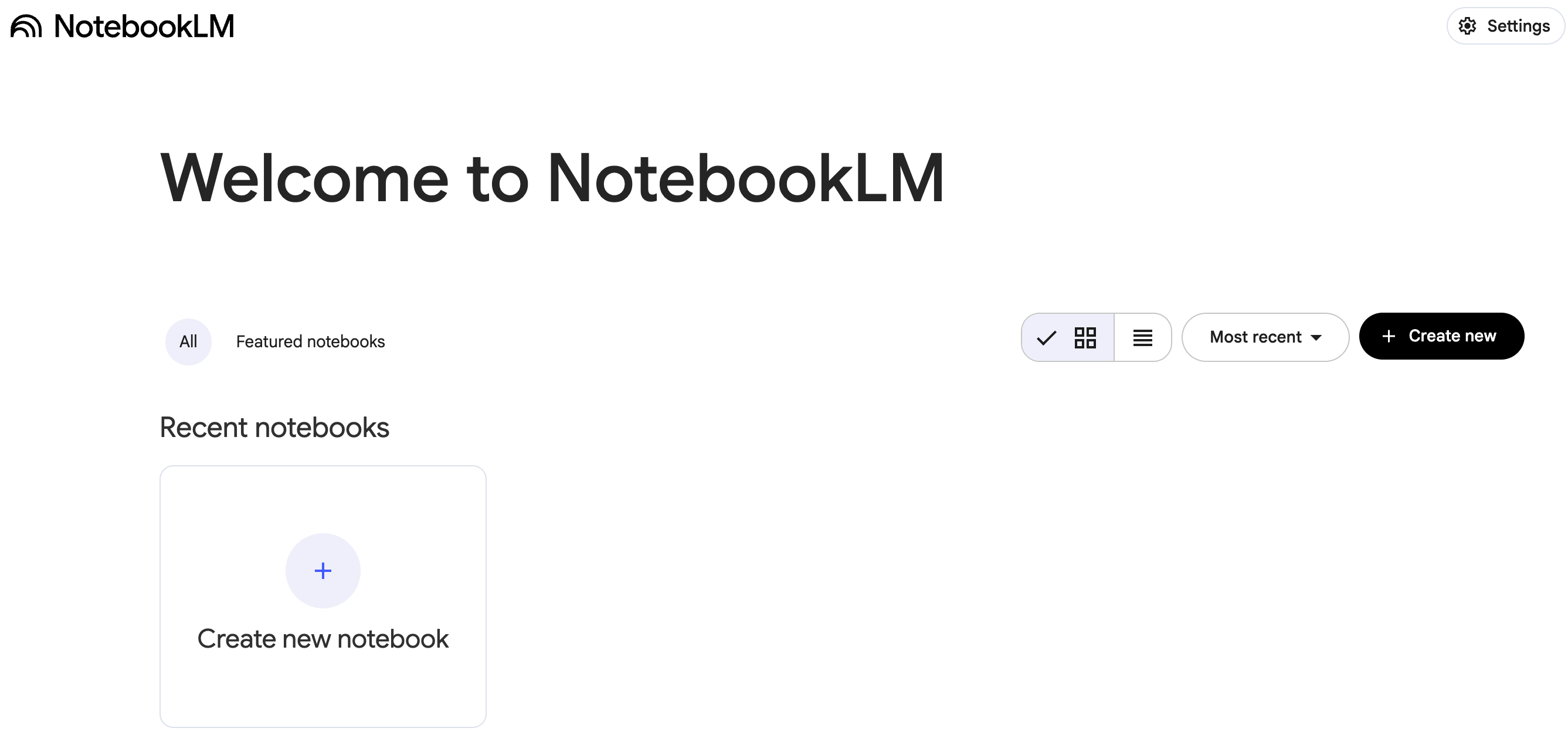
Step 1. Open NotebookLM
Go to NotebookLM and sign in with your Google account.
Step 2. Create a new notebook
Name it something obvious, for example:
DORA Copilot — RTS/ITS/Guidelines
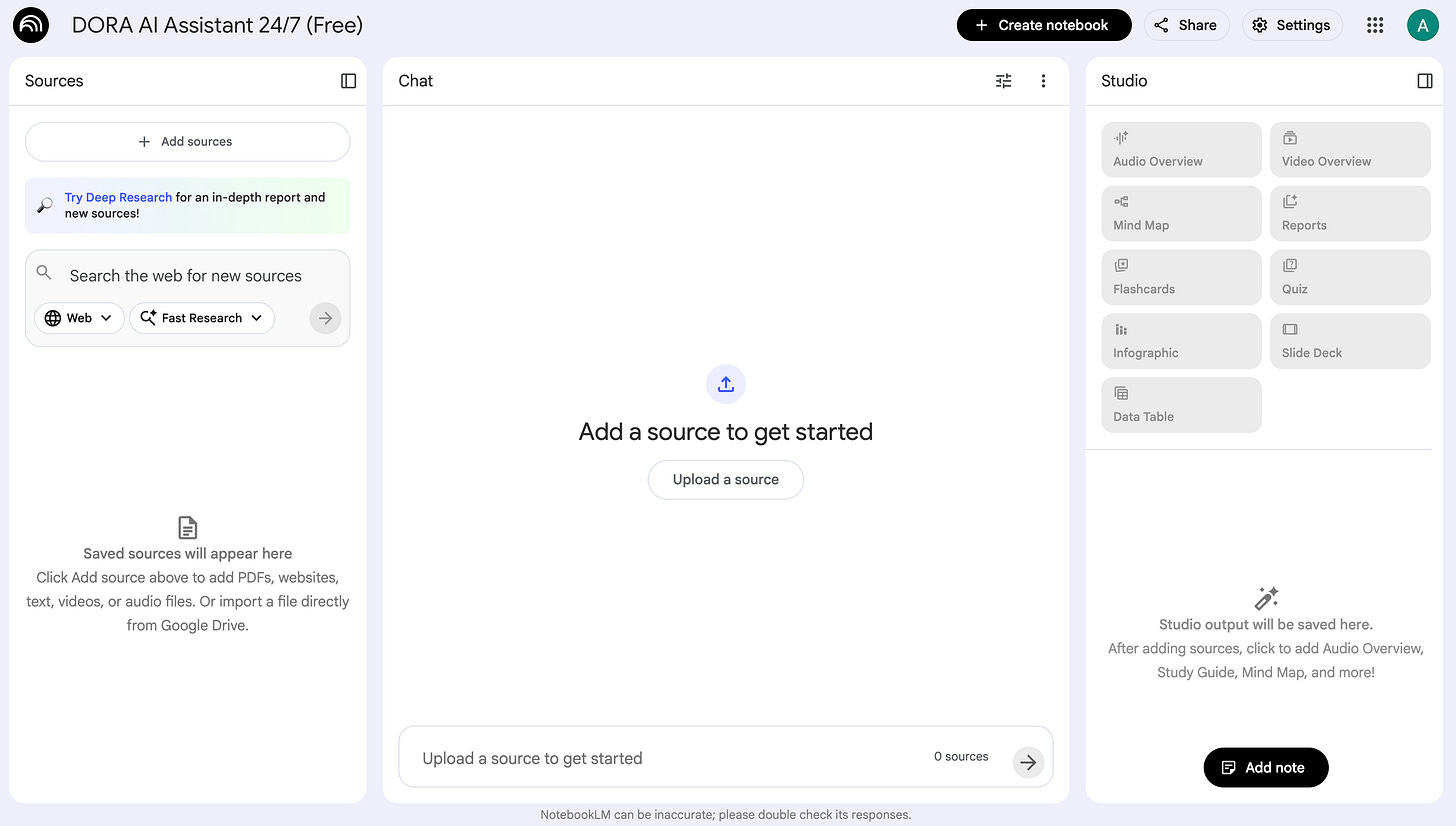
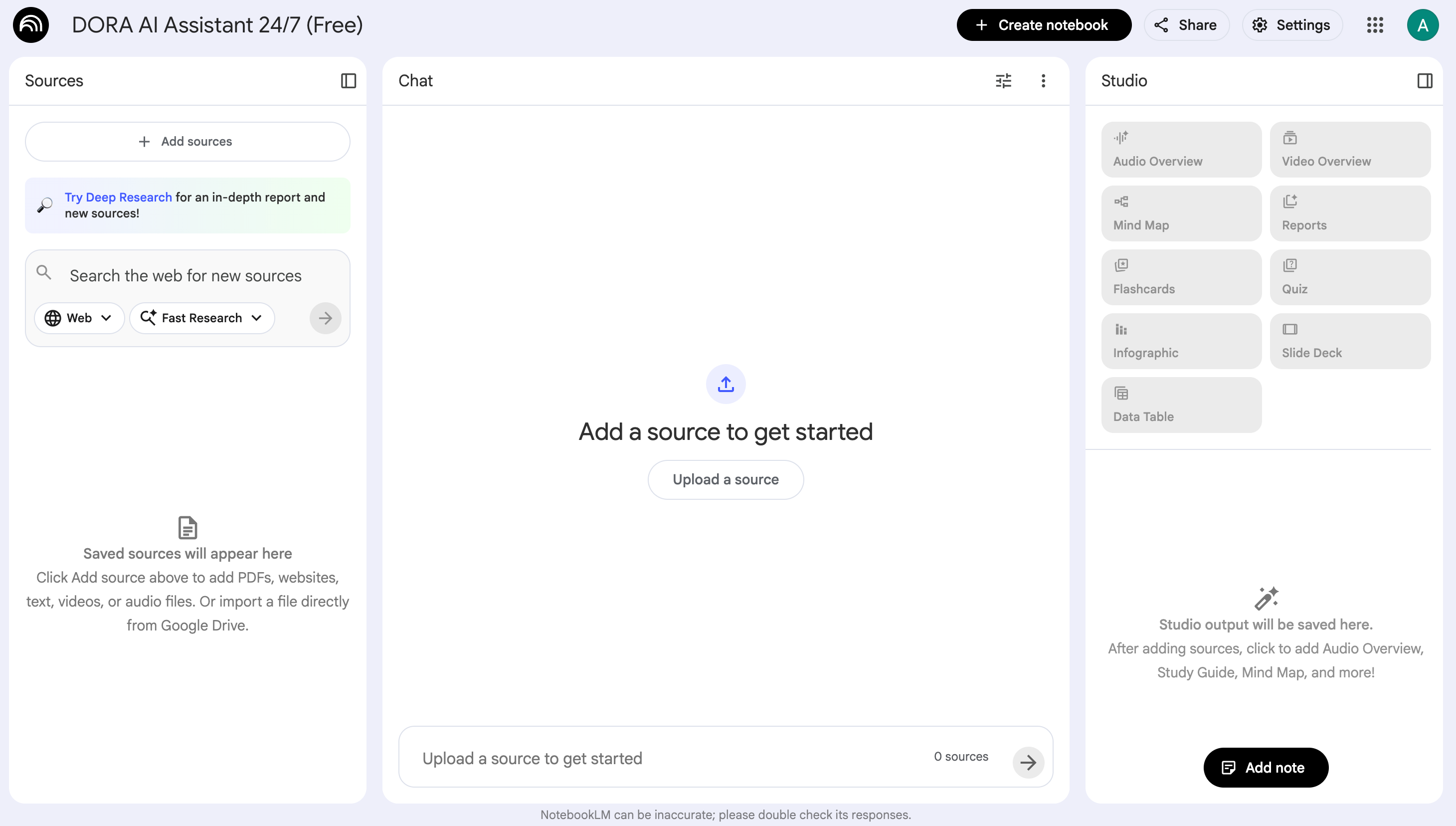
Screenshot 2: New notebook name + empty Sources panel
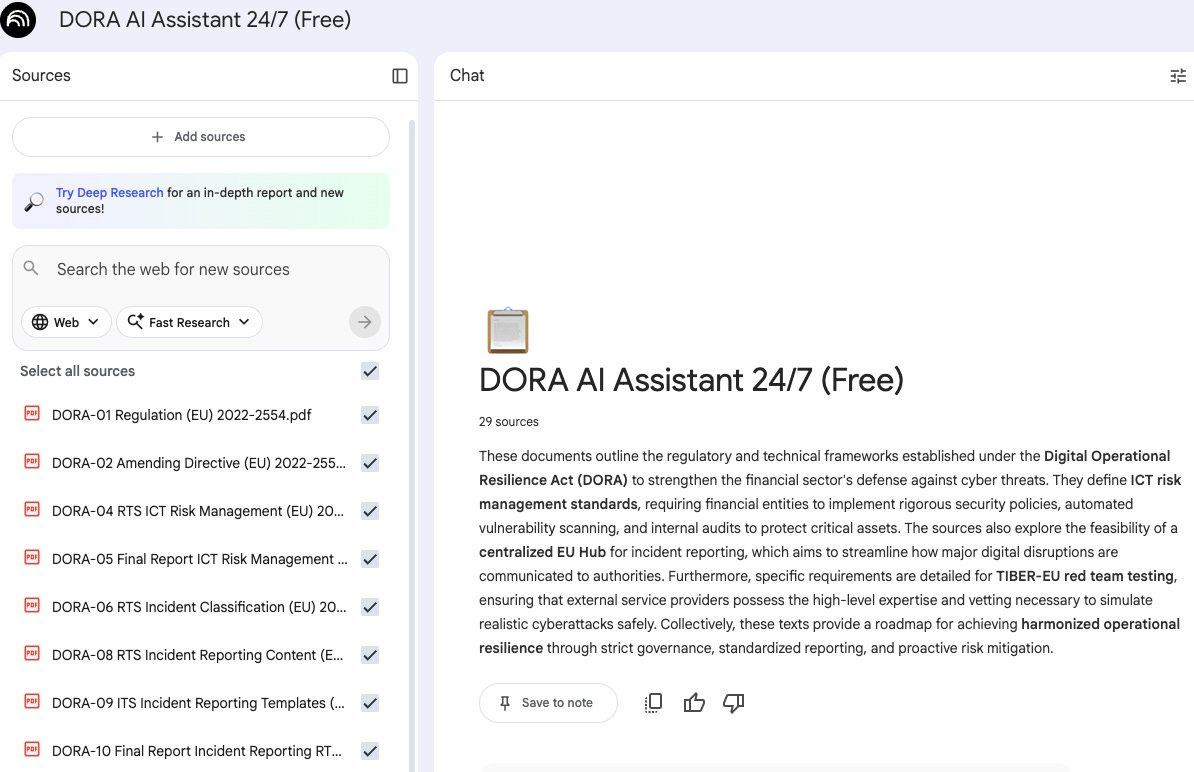
Step 3. Add sources from the DORA Library
Open the DORA Library article and start adding sources into NotebookLM.
For those who prefer a faster, more practical way to work with the source texts, I’ve also compiled all 27 DORA regulatory documents into a single archive.
Each file is renamed and ordered for quick scanning, so your compliance, risk, IT/security, and audit teams can find what they need in seconds instead of hours.
Free download here: store.fromciso.com/l/EU-DORA-Official-Docs-Pack
NotebookLM supports multiple source types (PDFs, web URLs, Google Docs/Drive, Word files, etc.).
For DORA, web URLs + official PDFs are typically the cleanest.
How to add:
In your notebook, click + Add sources in the Sources panel.
Paste the URLs (or upload PDFs) from the DORA Library list.
Keep titles consistent (important for later querying).
Practical naming convention (recommended):
DORA-01 Regulation (EU) 2022-2554DORA-04 RTS ICT Risk Management (EU) 2024-1774DORA-24 RTS Joint Examination Teams (EU) 2025-420
This makes it easier to tell NotebookLM exactly where to look later (“use sources 8, 9, and 10”).
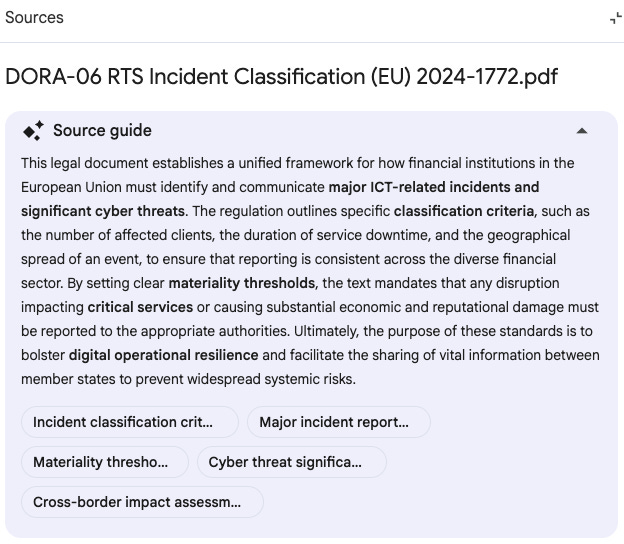
Important operational detail: NotebookLM stores a static copy of what you upload/import. Drive sources can be manually re-synced; other source types may need re-uploading if the original changes.
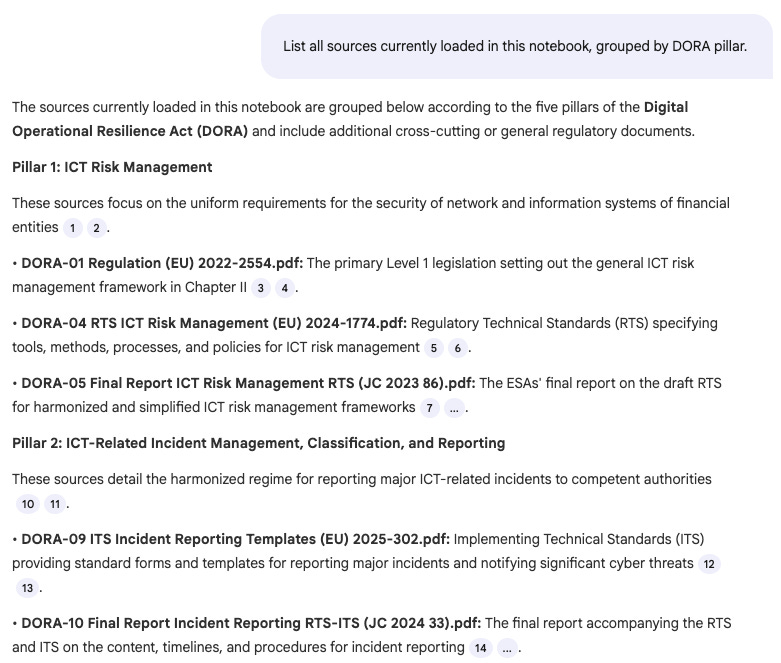
Step 4. Validate the notebook (quick check)
Before you “trust” anything, run one check:
Check: coverage
Prompt:
“List all sources currently loaded in this notebook, grouped by DORA pillar.”
(You’re validating that the notebook actually contains what you think it contains.)
Output:
Using your DORA Notebook: Chat workflows that actually help
Below are practical prompts I’ve used (and seen work well for CISOs/CTOs/GRC). These are written to reduce ambiguity and force useful outputs—basic prompt-engineering hygiene that consistently improves quality.
1) “Tell me what I must implement”
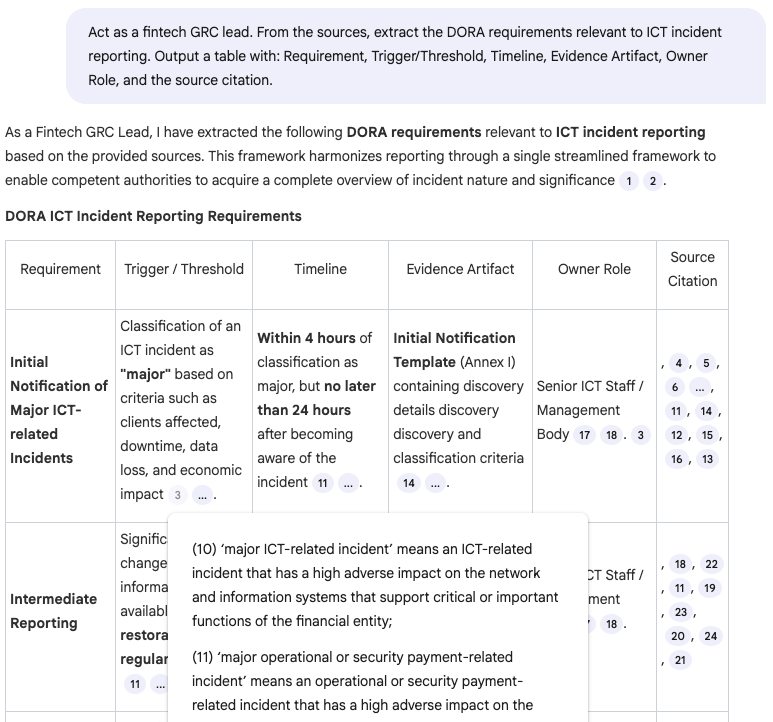
Prompt:
“Act as a fintech GRC lead. From the sources, extract the DORA requirements relevant to ICT incident reporting. Output a table with: Requirement, Trigger/Threshold, Timeline, Evidence Artifact, Owner Role, and the source citation.”
Why it works: role + scope + structured output.
Output:
2) “Map obligations to controls”
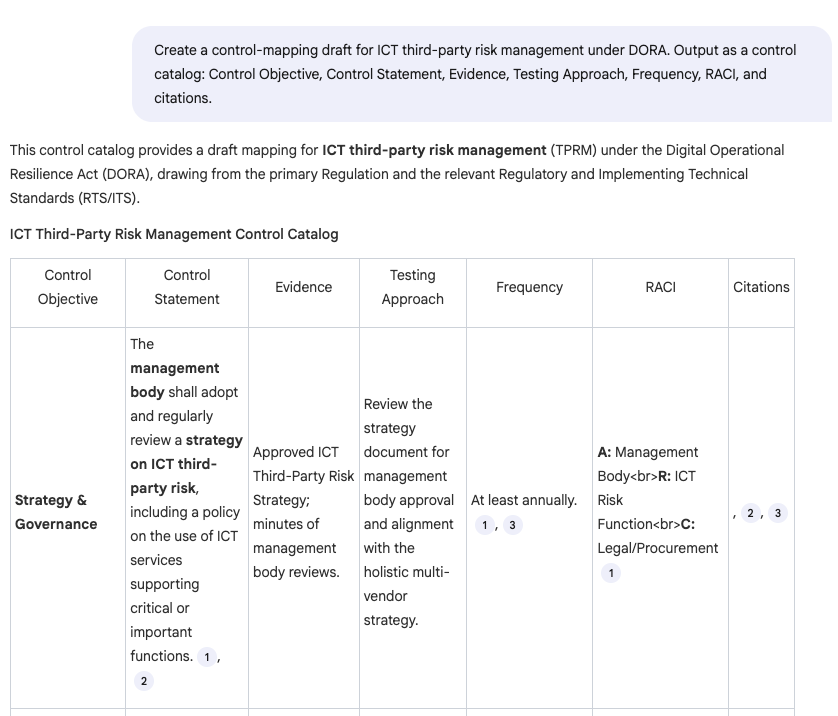
Prompt:
“Create a control-mapping draft for ICT third-party risk management under DORA. Output as a control catalog: Control Objective, Control Statement, Evidence, Testing Approach, Frequency, RACI, and citations.”
Output:
3) “Compare RTS vs ITS without losing your mind”
Prompt:
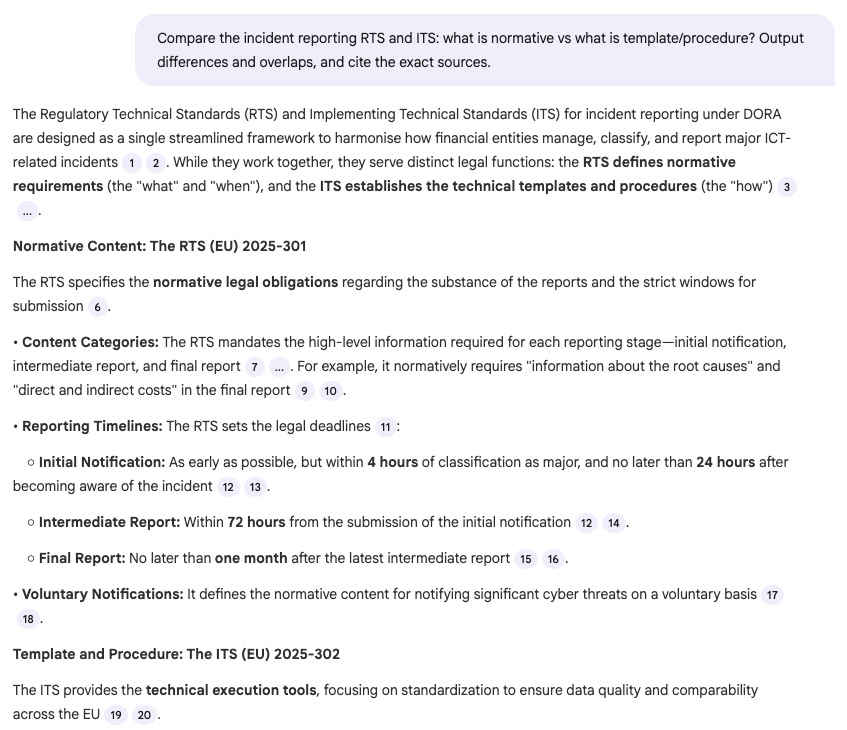
“Compare the incident reporting RTS and ITS: what is normative vs what is template/procedure? Output differences and overlaps, and cite the exact sources.”
Output:
4) “Turn requirements into an execution plan”
Prompt:
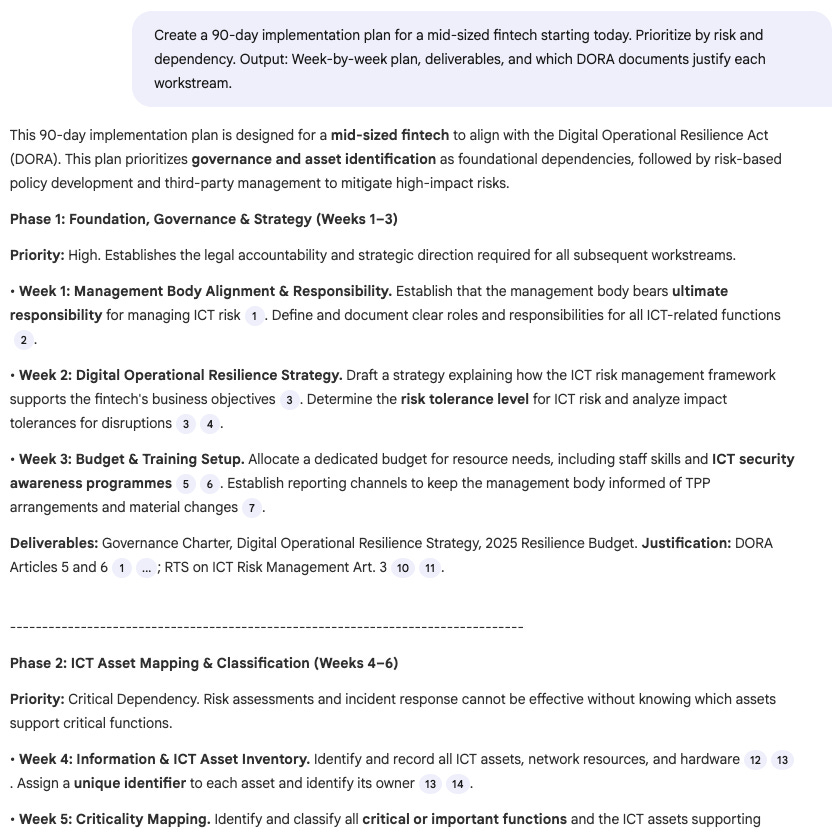
“Create a 90-day implementation plan for a mid-sized fintech starting today. Prioritize by risk and dependency. Output: Week-by-week plan, deliverables, and which DORA documents justify each workstream.”
Output:
5) “Prepare me for audit questions”
Prompt:
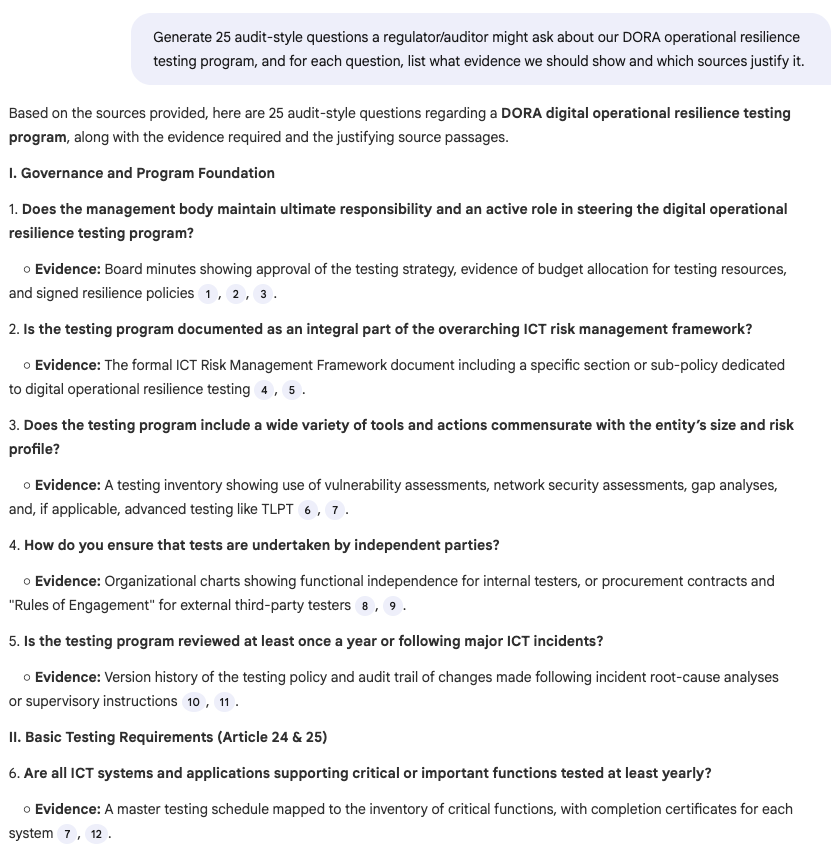
“Generate 25 audit-style questions a regulator/auditor might ask about our DORA operational resilience testing program, and for each question list what evidence we should show and which sources justify it.”
Output:
Studio: where NotebookLM becomes a “content engine” for your team
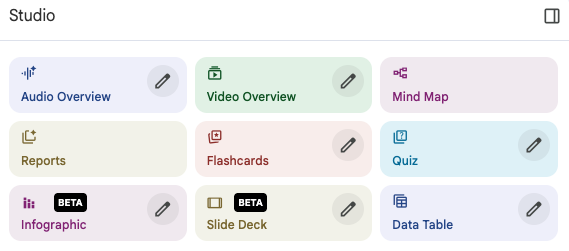
NotebookLM’s Studio can produce different formats from the same source base—useful when you need alignment across Security, Engineering, Legal, Procurement, and the Board.
Studio outputs include Audio Overviews, Video Overviews, Mind Maps, and Reports, and you can store multiple outputs per notebook.
Studio workflow ideas for DORA
A) Mind Map
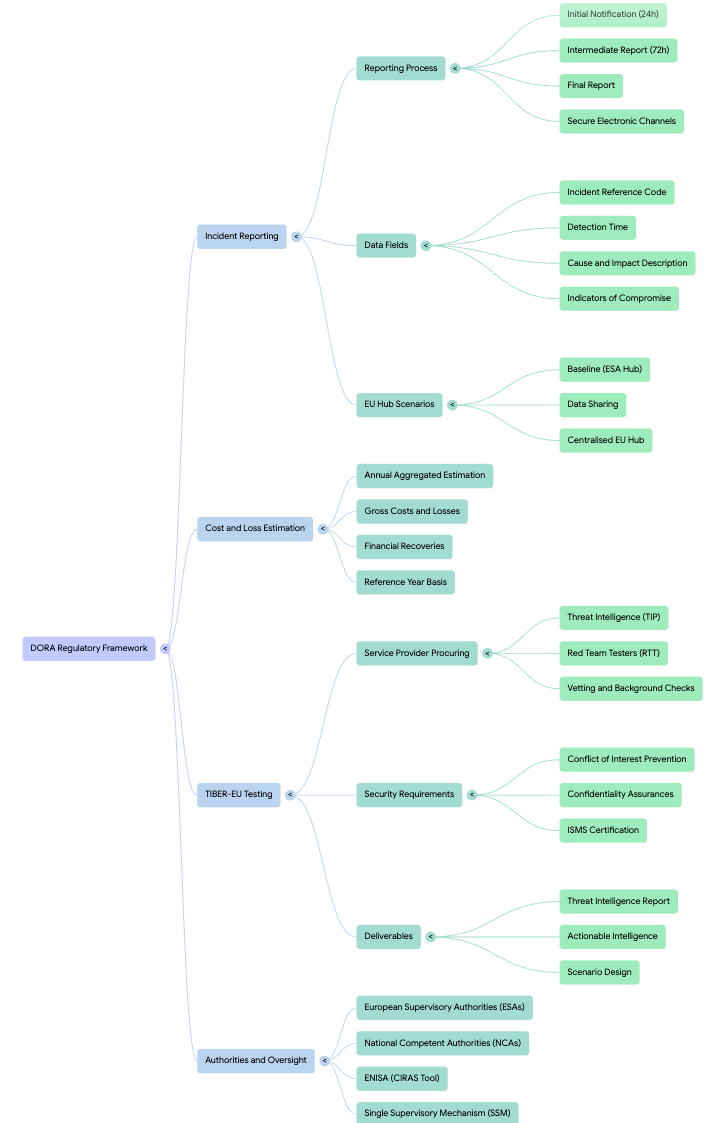
B) “Briefing pack” for leadership (CTO/CISO/Board)
Use Studio to generate a role-specific report:
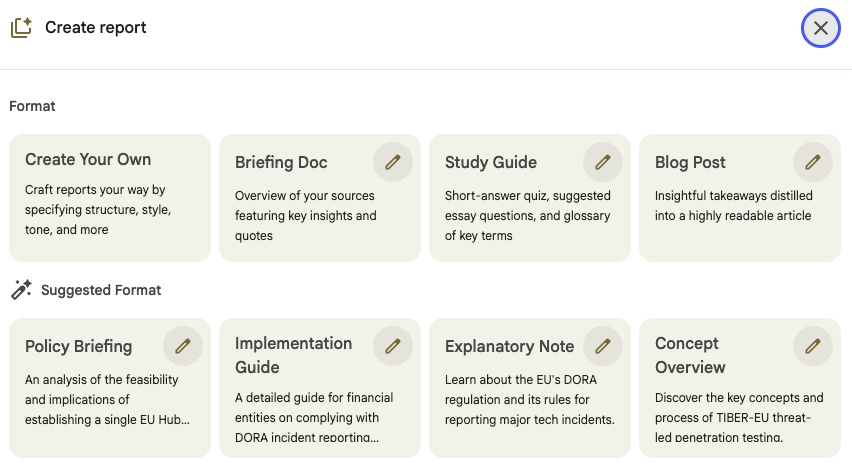
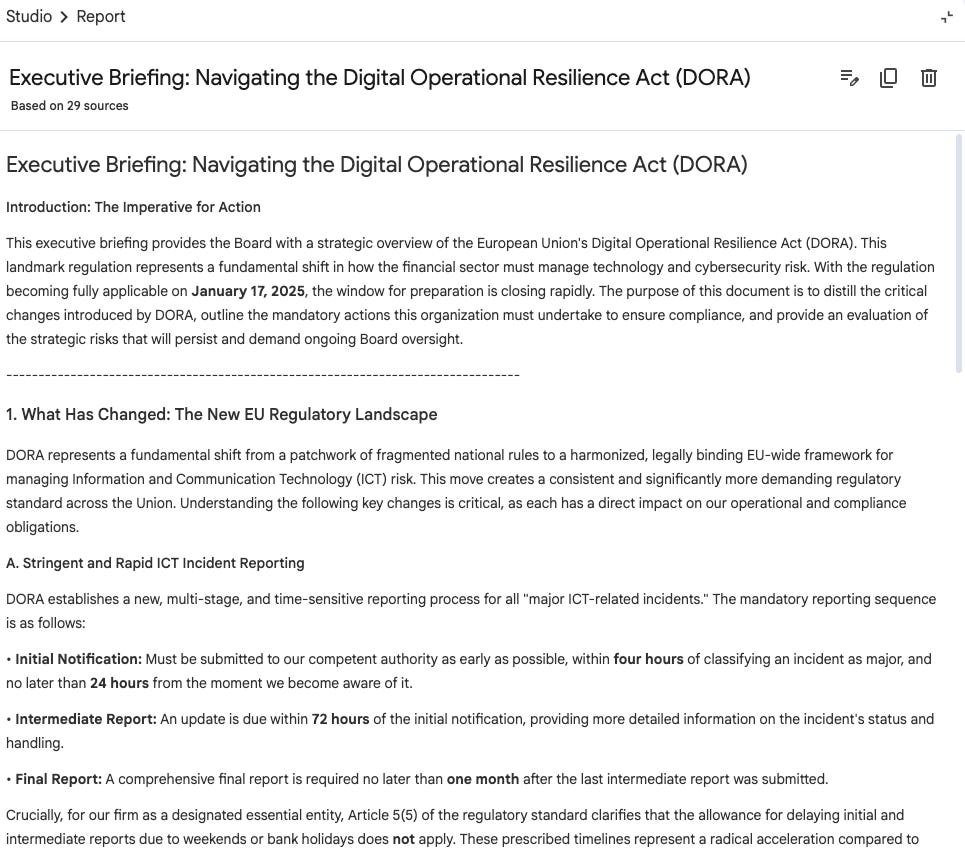
“Executive summary (Board-ready): what changed, what we must do, what risk remains”
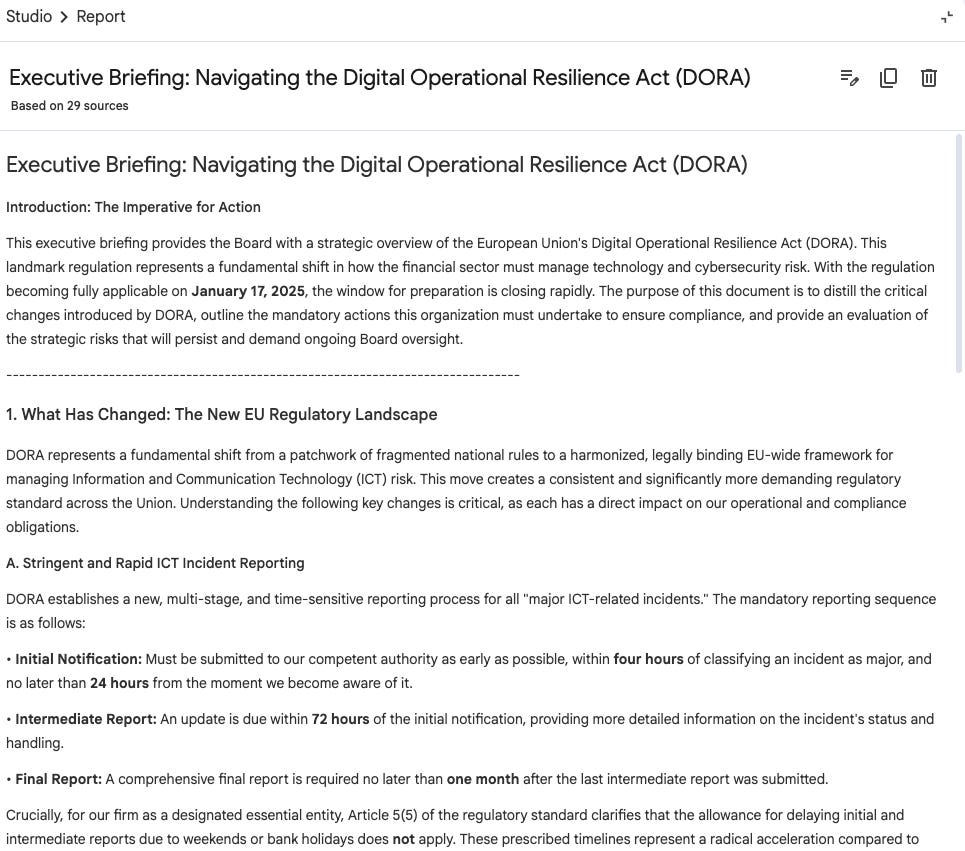
Screenshot 14: Executive Briefing: Navigating the Digital Operational Resilience Act (DORA) “Engineering summary: required capabilities and operational changes”
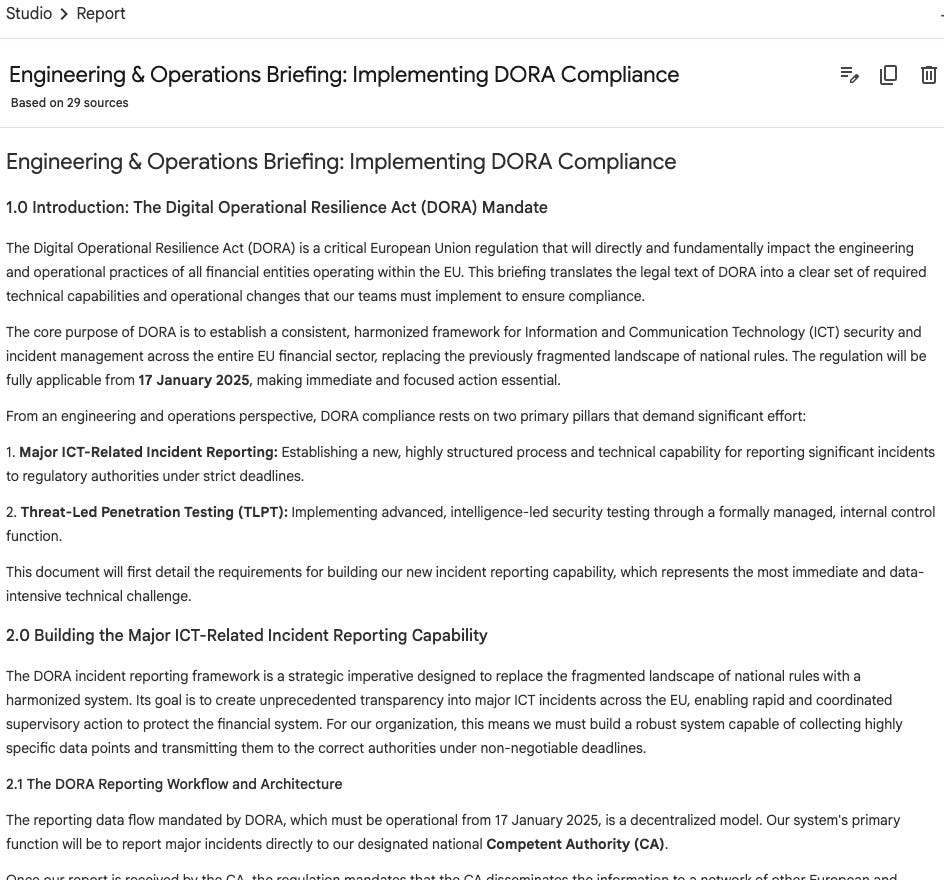
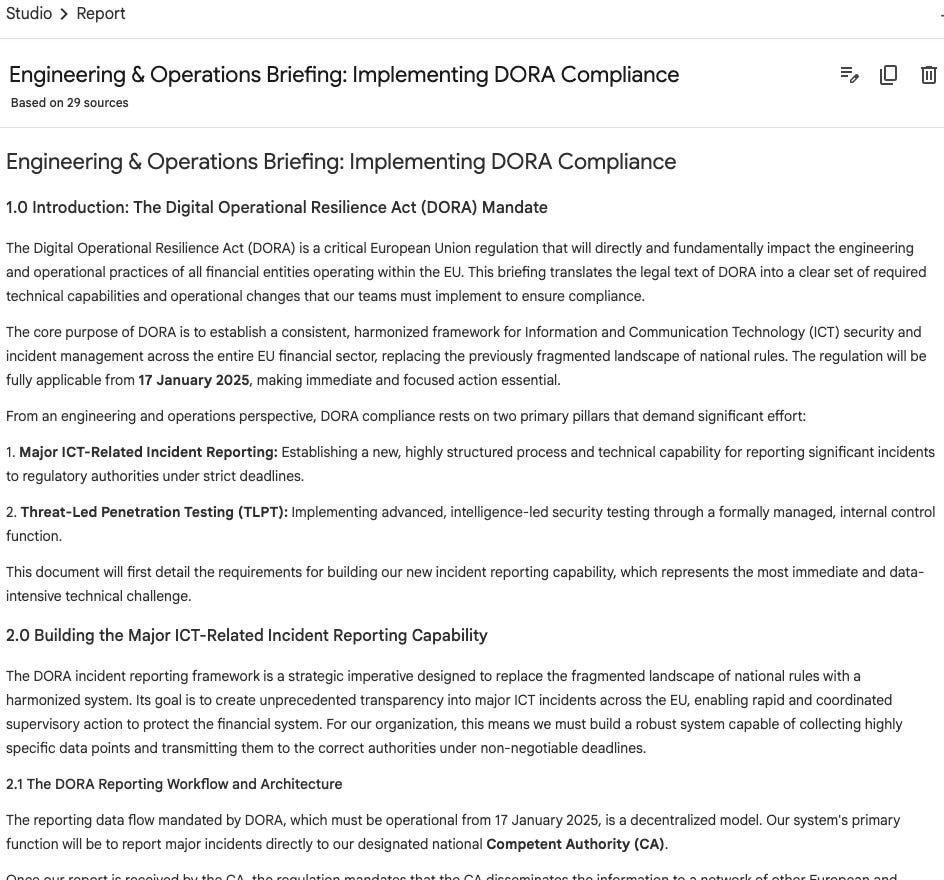
Screenshot 15: Engineering & Operations Briefing: Implementing DORA Compliance “GRC summary: evidence and control mapping expectations”
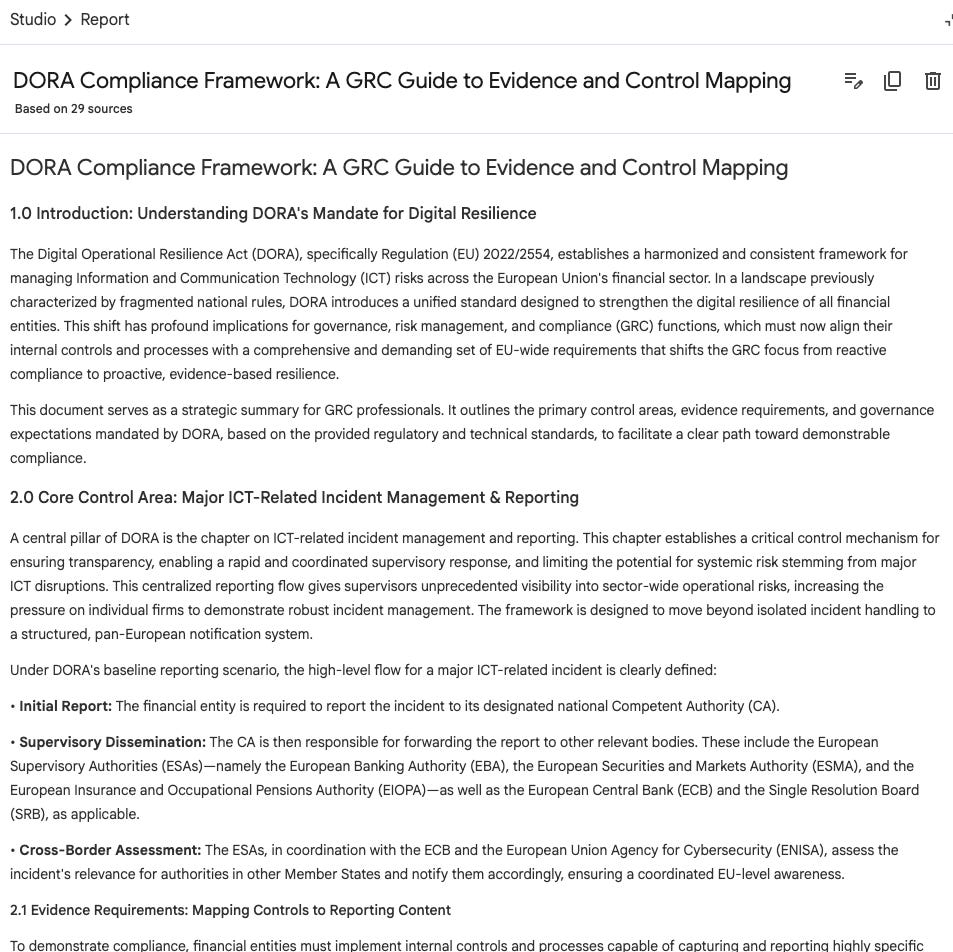
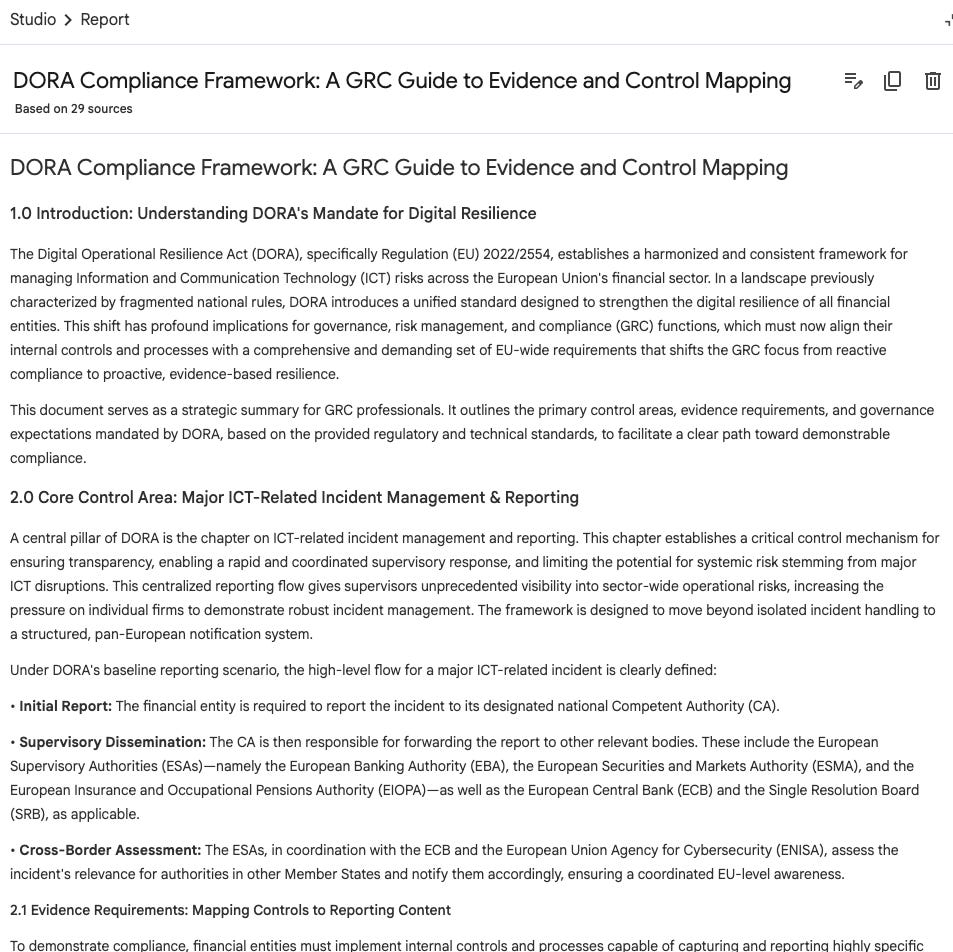
Screenshot 16: DORA Compliance Framework: A GRC Guide to Evidence and Control Mapping
(Studio supports creating multiple outputs per notebook, so you can keep variants for different audiences in one place.)
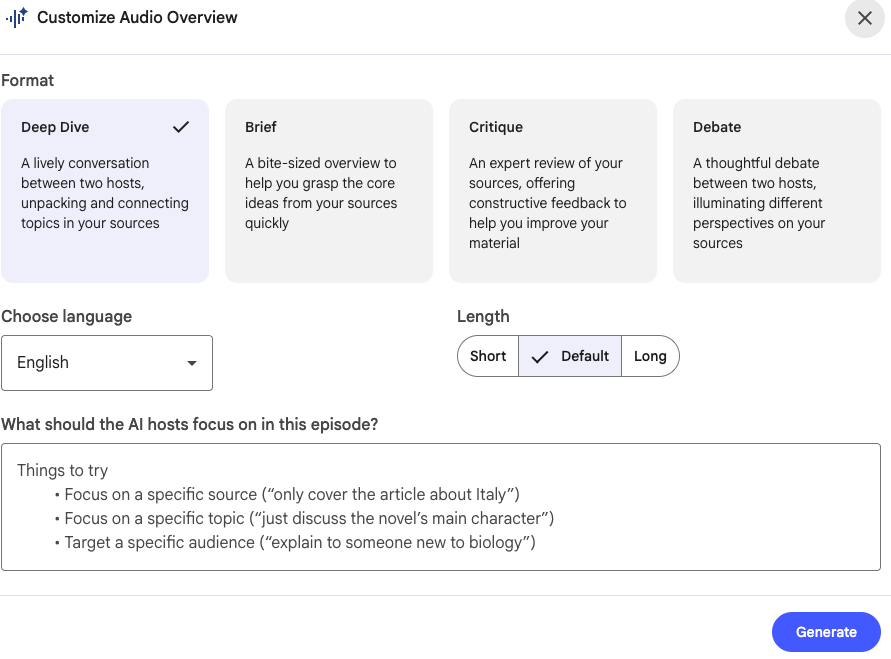
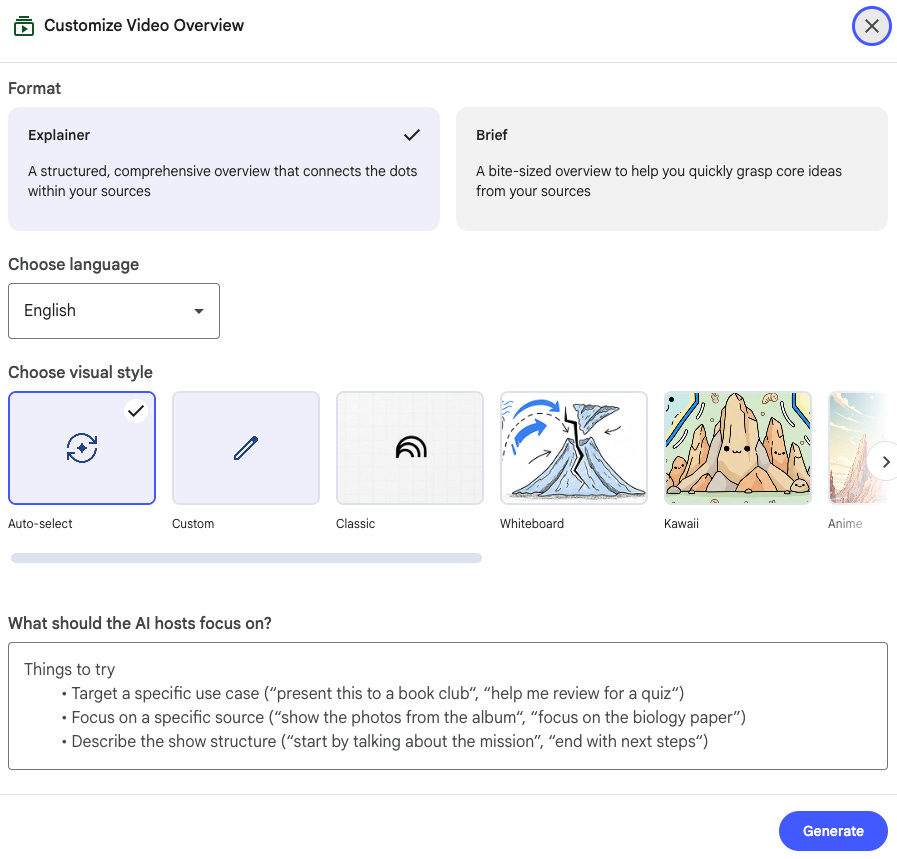
C) Audio / video overview for fast absorption
Audio is useful when you need a quick “deep dive” on a subset of sources. Video overviews add narrated slides and visuals for explaining complex concepts.
Remember: free plans have daily generation limits.
D) Infographic for fast communication
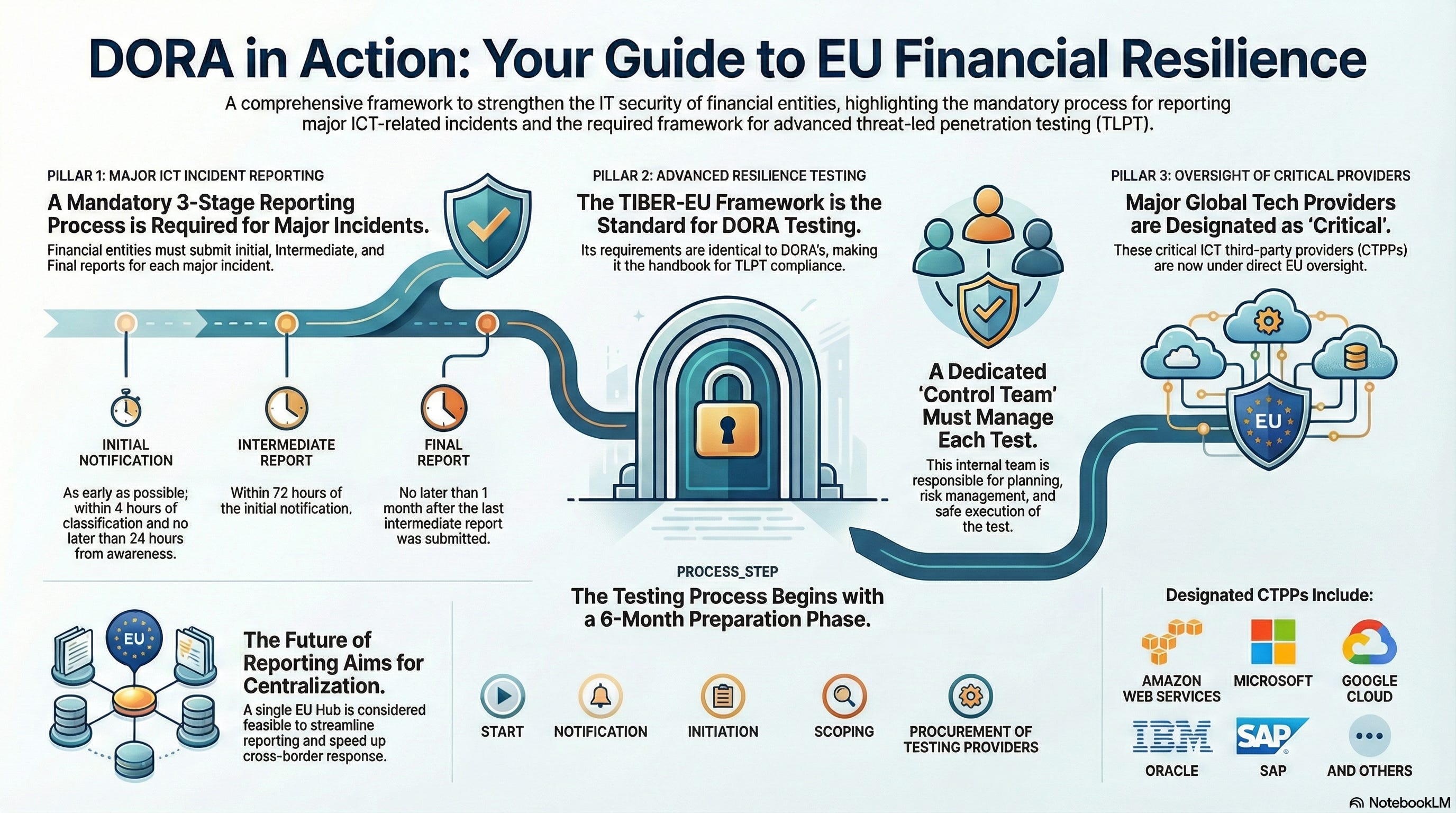
Generate an infographic outline from the DORA sources: “what it means / what to do / what evidence to keep”.
E) Slide deck for workshops and exec updates
Turn a DORA topic into a slide-by-slide deck: titles, 3 bullets per slide, plus speaker notes with citations.
Use it for kickoff sessions, steering committees, and audit-readiness alignment.
The honest part: limitations of a “DORA AI Assistant”
This is not a compliance silver bullet. Treat it as a research acceleration layer.
1) It’s only as current as your sources
NotebookLM uses a static snapshot of what you uploaded. If a document changes, you need to re-sync (Drive) or re-upload (many other source types).
2) It can be wrong
Google explicitly notes NotebookLM can make mistakes, and you should consult qualified professionals for legal/financial advice.
For fintech compliance, this means: use it to draft and accelerate, then verify.

3) Privacy and confidentiality still matter
Google’s documentation states your data is protected and is not used to train NotebookLM unless you provide feedback; Workspace users get additional protections (no human review; not used to train AI models).
That said, follow your internal policy. For this workflow, you can stay fully in the “public documents only” zone by using the DORA Library sources.
4) Source limits are real
50 sources per notebook means you may need separate notebooks if you expand beyond the core 27 (for example: internal policies, procedures, incident postmortems, vendor contract packs).
How to get maximum value (without becoming an “AI prompt person”)
Three practical rules (these also align with standard prompt-engineering best practices):
Be specific about output (tables, checklists, control catalogs).
Use role + context (“act as fintech GRC lead…”) to steer tone and scope.
Ask for citations, and name sources when you know where the answer should be.